Video Annotation with Rapid
Rapid uses a special pipeline for video annotation to make annotating long videos (>= 30 frames) operationally feasible. The process is called ‘video stitching’, and it involves breaking down long video tasks into multiple smaller subtasks which can be worked on in parallel. The results are then stitched back together to create the final response. The pipeline involves four stages:- The downsampling stage, whether a single labeler annotates the video at lower FPS. This labeler’s main job is to surface high-level context that won’t be available to labelers working on smaller chunks of the video (such as action recognition, if the shorter clips are less than a second long). It is not necessary for the annotation sizing to be perfect, as that can be refined in later stages.
- The chunk stage, where many labelers work in parallel on annotating short chunks of the video at max FPS. These labelers’ jobs are to use the context from the downsampling stage to refine and fill in the gaps. The majority of the work (drawing and adding attributes) is done in the chunk stage. These chunks are then stitched back together algorithmically.
- The final review stage, where a single labeler reviews the video as a whole. This labeler’s main job is to ensure that there are not any large inconsistencies in the task, such as the same person having two different IDs.
Quality Task Stages
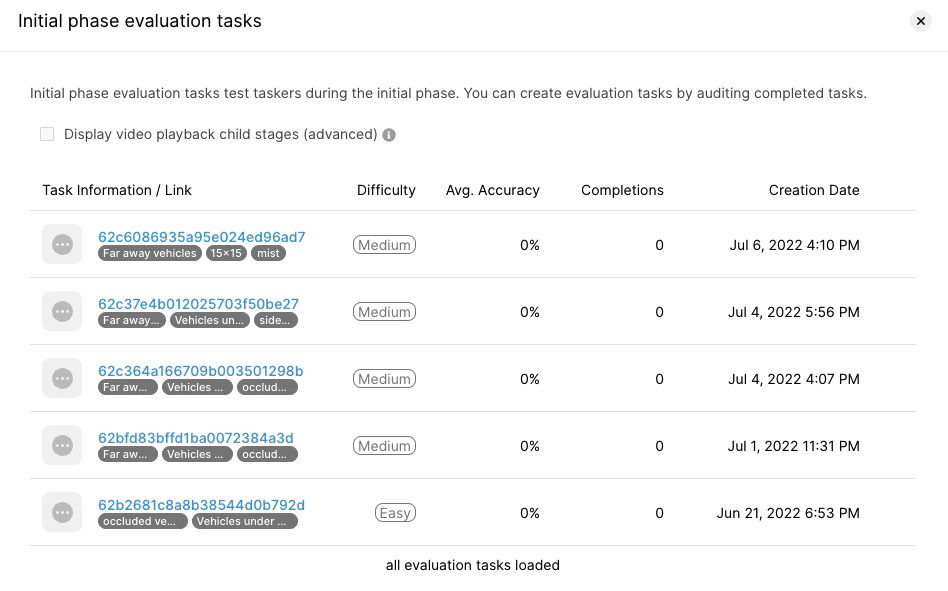
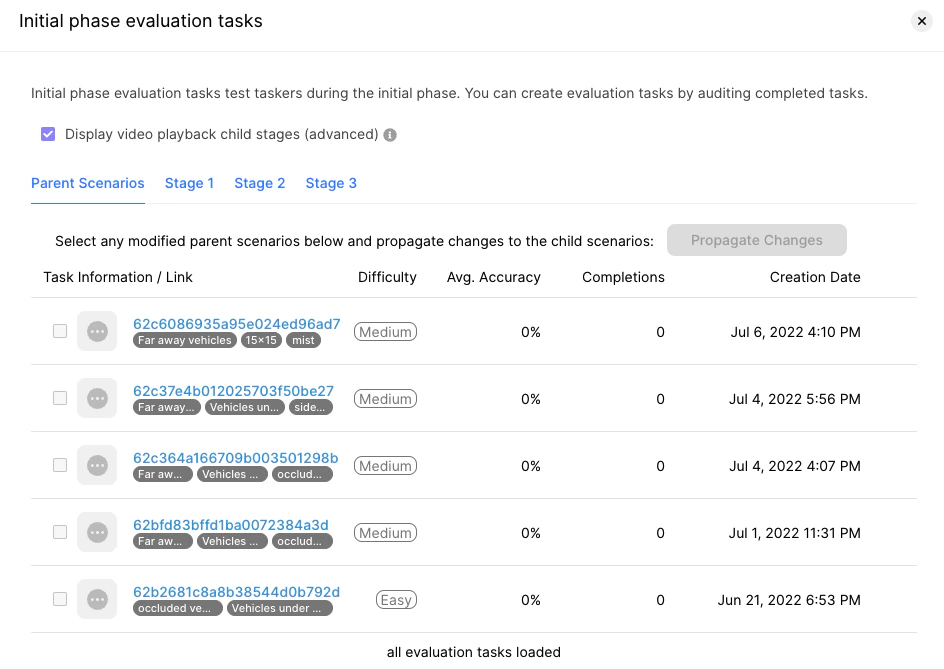
As with other Rapid projects, labelers will be served quality tasks for training and performance evaluation. However, with video stitching projects, labelers will be trained and evaluated on a specific stage of the pipeline. This means when you create quality tasks, a set of child tasks will be generated for each stage automatically. Typically, you can just modify the parent quality task as you need to make changes to all the child tasks. Advanced users may wish to explore the child quality tasks and make specific edits to them. To view the child tasks, go to the Quality Lab and open a set of training or evaluation tasks.