

Azure Blob Storage
Azure Blob Storage Access
If you use Azure Blob Storage, you can grant access to your Blob Storage resources by completing the Azure access delegation process. Scale has registered the Scale AI application as an Azure multi-tenant application that can access resources in your Azure subscription on your behalf. After completing the access delegation process, blob storage resource URIs (i.e. of the formhttps://\{storageaccount\}.blob.core.windows.net/\{container\}/\{key\}) will be fetched using the Scale AI service principal, and you will be able to submit blob URIs to the API that are not publicly accessible.
The process involves the following steps:
- Consenting to grant Scale AI the permissions it requires to access resources in your subscription.
- Assigning the Scale AI app an appropriate role.
Application Consent
As an administrator or manager of your Scale AI team, go to the integrations tab in the settings page, click the Connect to Azure button. Azure displays the resource permissions requested by the application.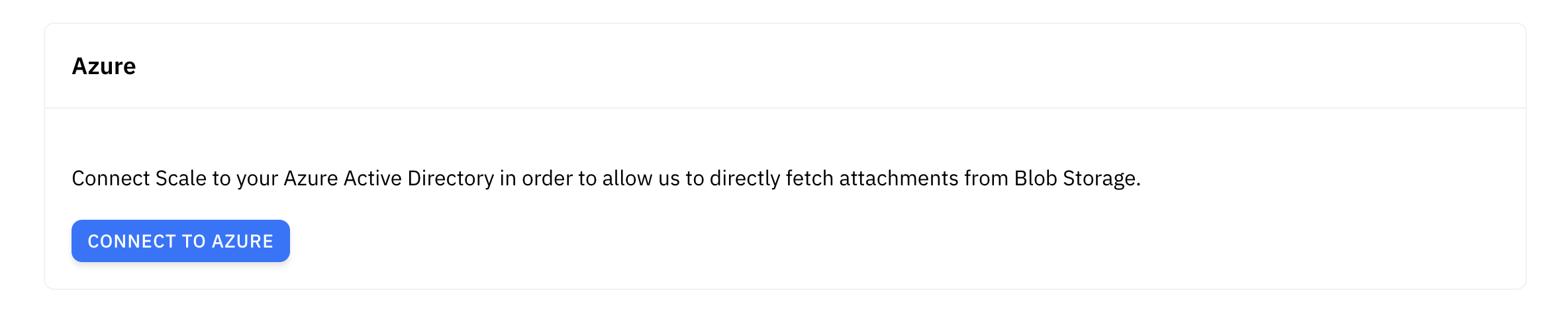
Role-Based Access
As part of the access delegation process, you must assign a role to theScale AI application service principal to read data from your storage accounts. We recommend assigning the Storage Blob Data Reader role for the particular storage accounts or containers to retrieve data from. Alternatively, you can create a custom role that provides only the minimum permissions necessary. See the Azuredocs for instructions on how to assign the role.