

Manage your Projects
Overview
Projects allow you to organize similar tasks based on instructions and task types. All projects will share the same instructions and annotation rules.Create New Projects
To create a new project, you can click on the Project list dropdown positioned on the left side of the page and select “Create New Project Group“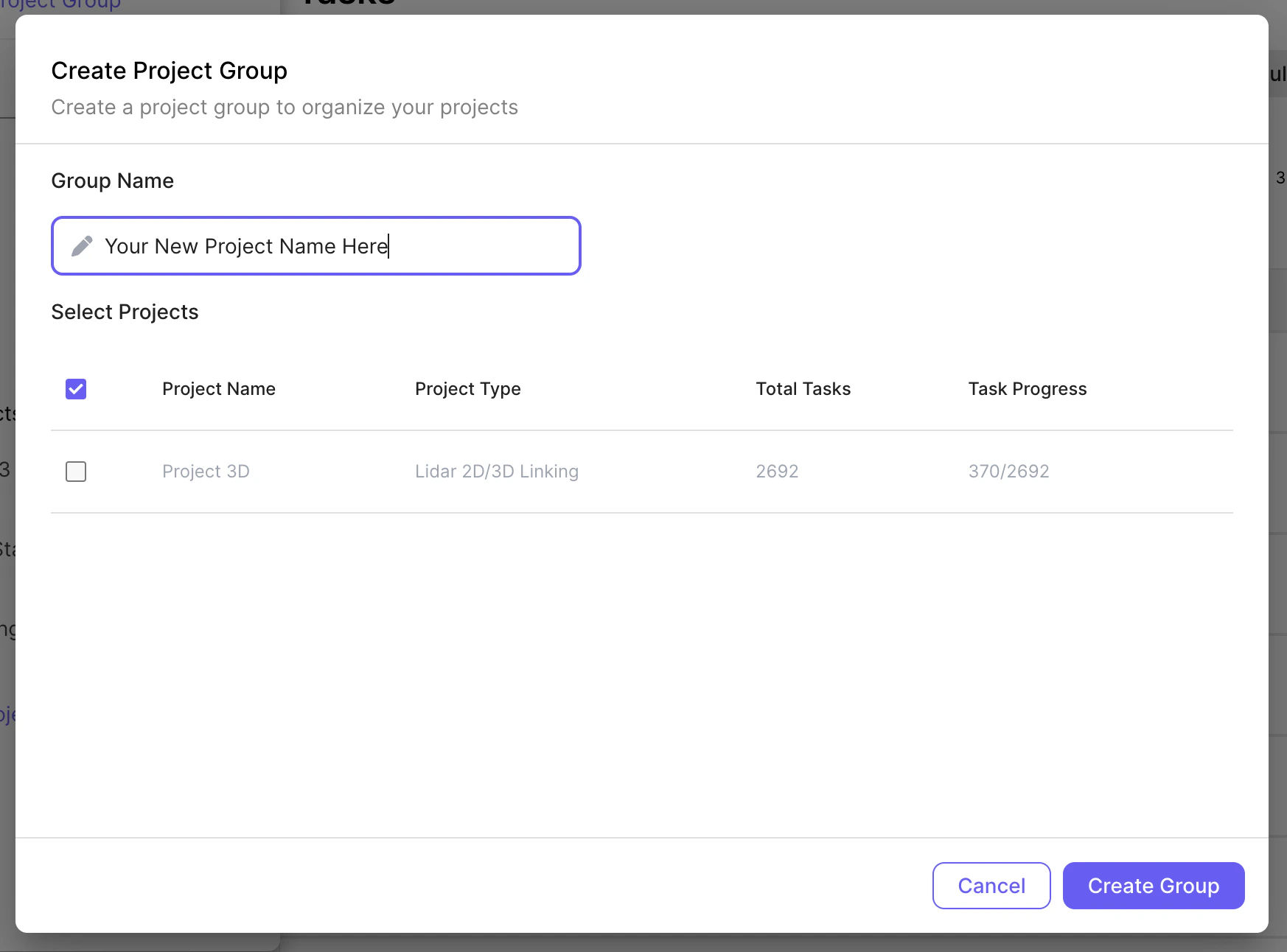
Important things to know about projects
- Projects cannot be deleted
- **A project is tied to one specific Task Type, such as “2D Box Annotation”. **You cannot change a project’s task type after you have created the project.
- All tasks in a project should have the same instructions.
-
**Please do change instructions significantly within a project. **If instructions need to be changed significantly, please create a new project.
-
Examples of significant changes:
- Adding/removing labels
- Changing the intent of a project entirely
-
Examples of significant changes:
Manage Your Projects
To manage all of the projects, click on the three ellipsis on the left hand navigation or on the Manage button on the right hand bar. Within the “Manage Projects” view, you are able to edit:- Project name
- Instructions
- Pin projects to the top