

Improving Calibration Score
Calibration Batches are a critical step in the iteration of your project. Getting a good Calibration Score indicates a healthy project where taskers are able to understand your instructions and label your data.Understanding Calibration Score
Calibration Score is a function of audit results and Tasker confidenceIt is recommended that your Calibration Score is above 80% before moving on to a Production Batch Inputs that go into calculating the Calibration Score include:
- The number of rejections you made while auditing the returned completed tasks
- How confident the Tasker self-reported after reading the instructions & completing your task
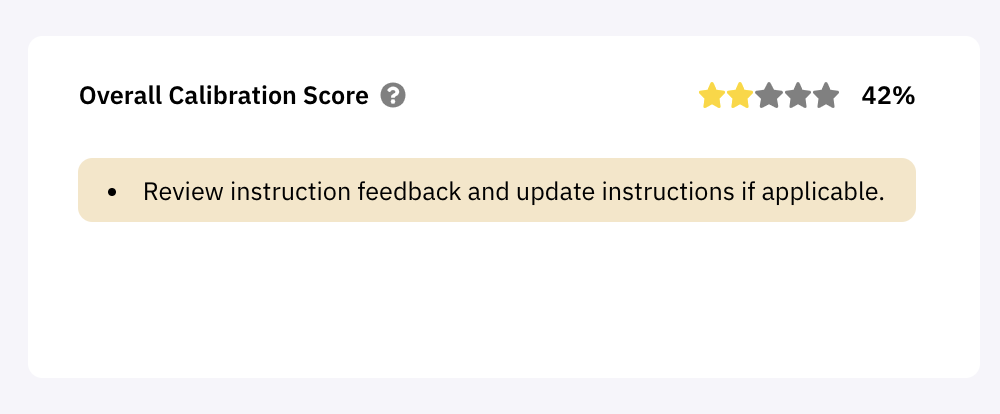
Implement Tasker feedback
Iterate on instructionsWrite Instructions that cater better to the moments of confusion taskers may be having For each Calibration Batch you will receive feedback on each task, based on how easy or confusing the Tasker found the process of reading the instructions and executing on the task.
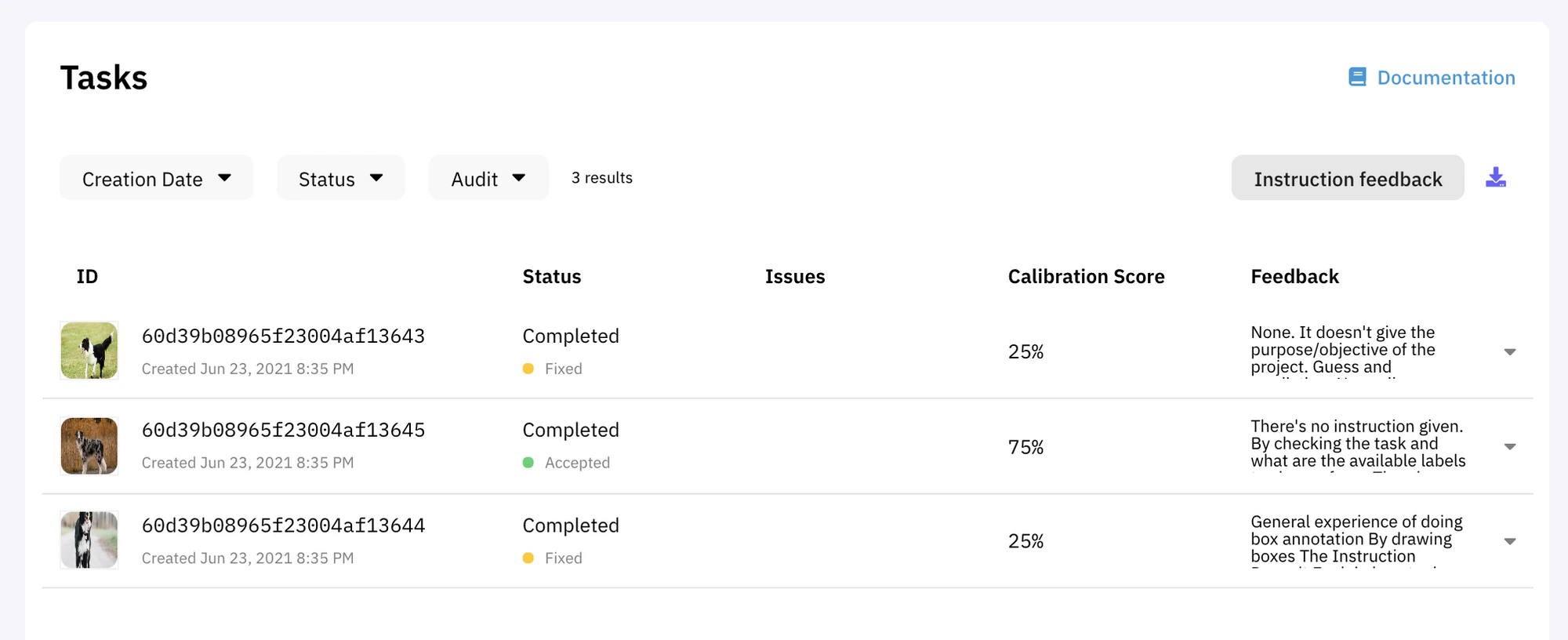
Feedback is on the right side of each Task in the Calibration Batch view

Task Setup > Current Instructions, where you can view the feedback and Calibration Score next to your instruction workspace.
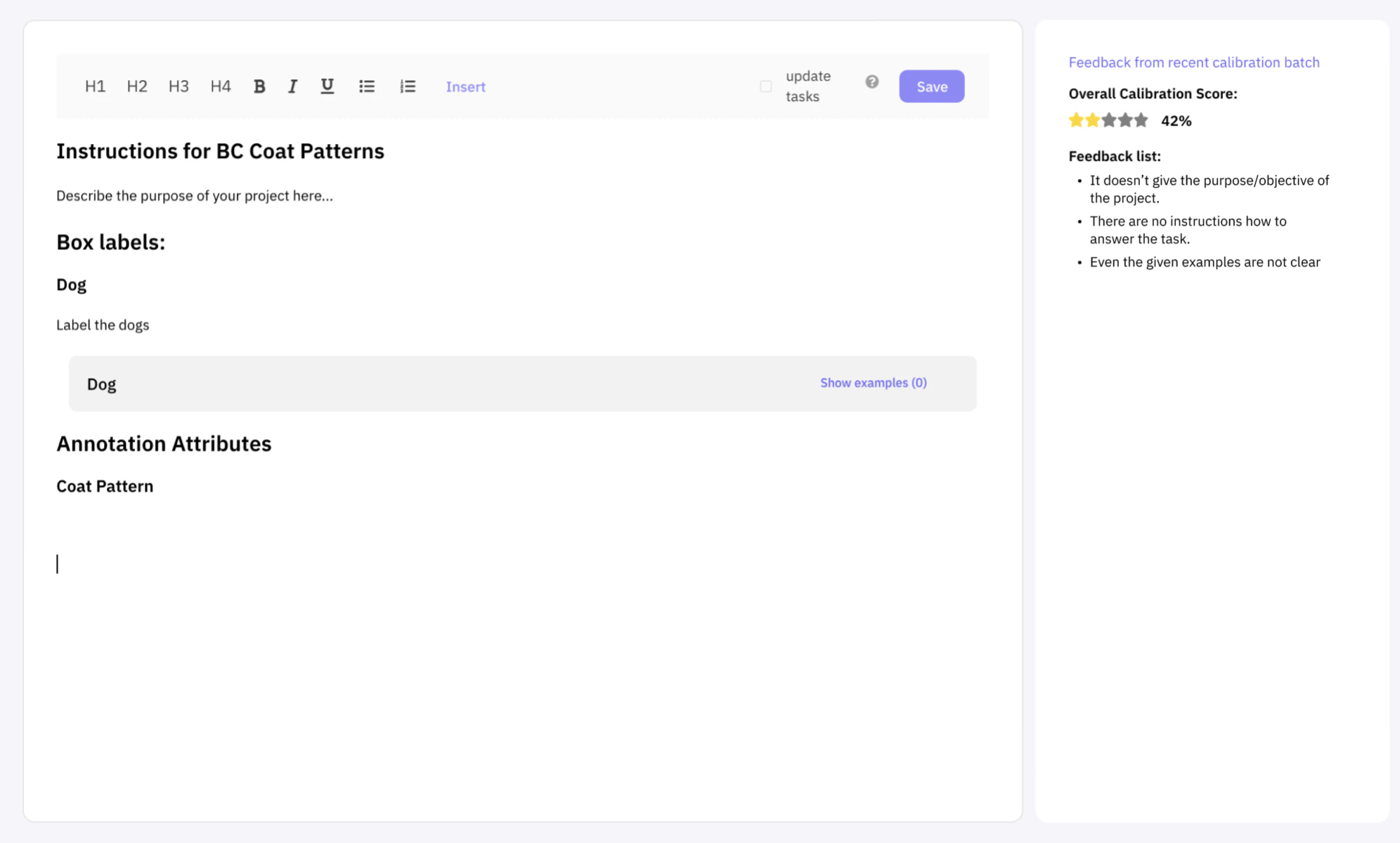

Show examples allows you to see all examples and add newly labelled examples
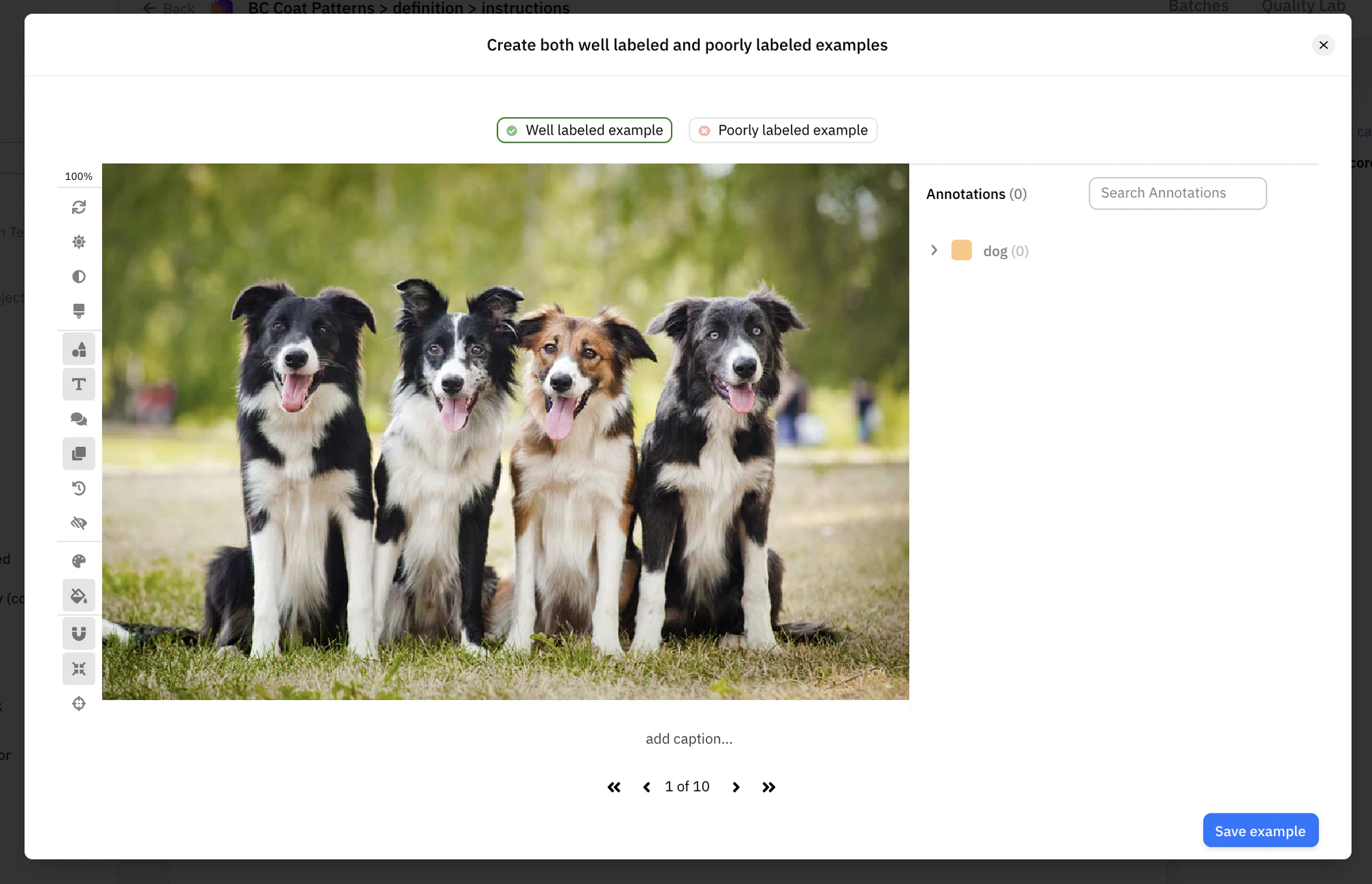
Well labeled or Poorly labeled
In general, you should aim to write instructions in a way that shows how one should do the task as opposed to just describing it.