Calibration Workflow
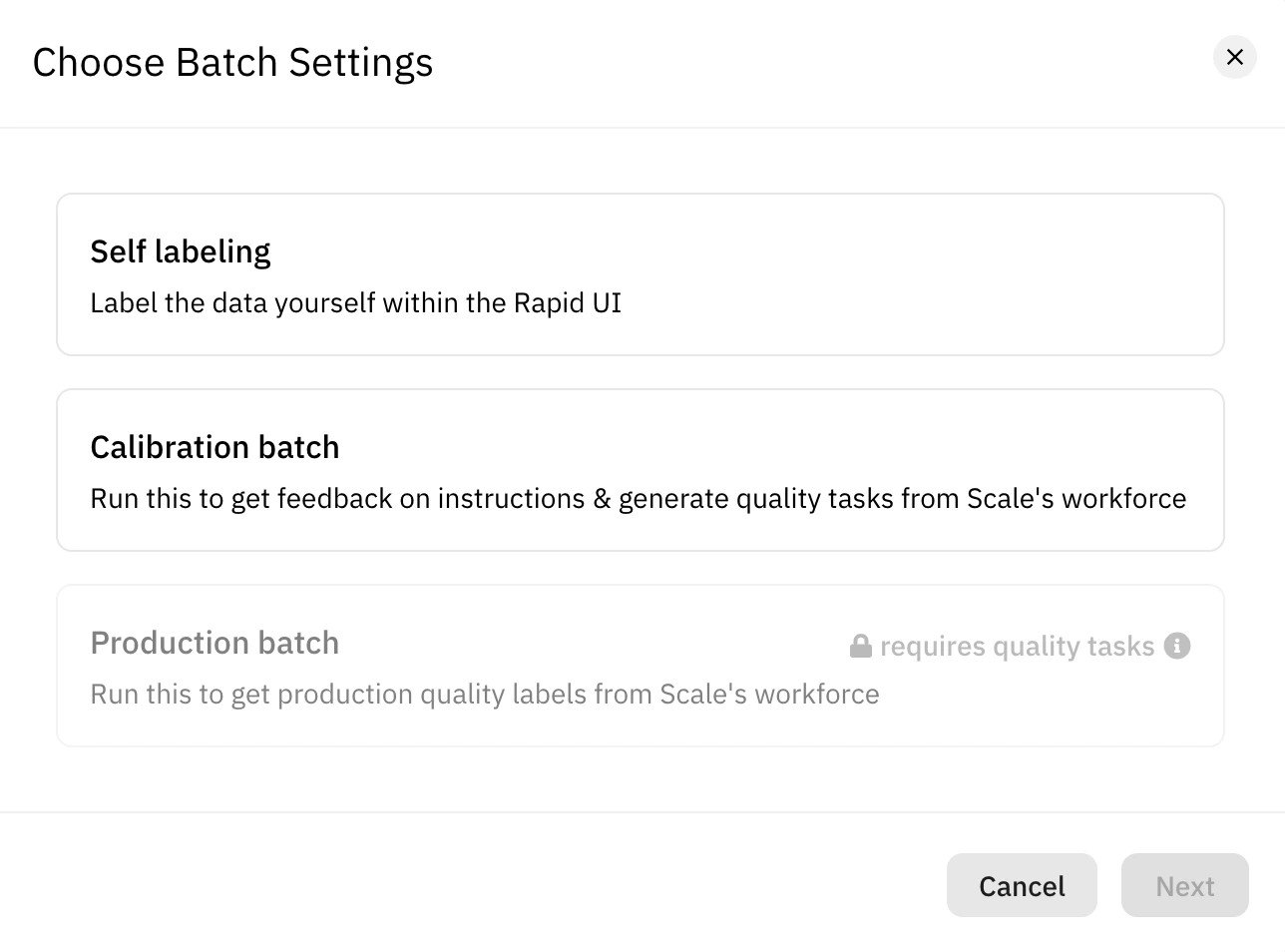
Before you can send off loads of data to the labelers, you’re required to calibrate your project by running a Calibration Batch. This will allow taskers to test your project, and they’ll give you feedback on the instructions and attempt to label a small subset of your data. Calibration Batches serve the purpose of making sure- You have a properly functioning Project
- You have completed tasks that can be turned into Training tasks for the labelers
- You have completed tasks that can be turned in Evaluation tasks to track labeler performance
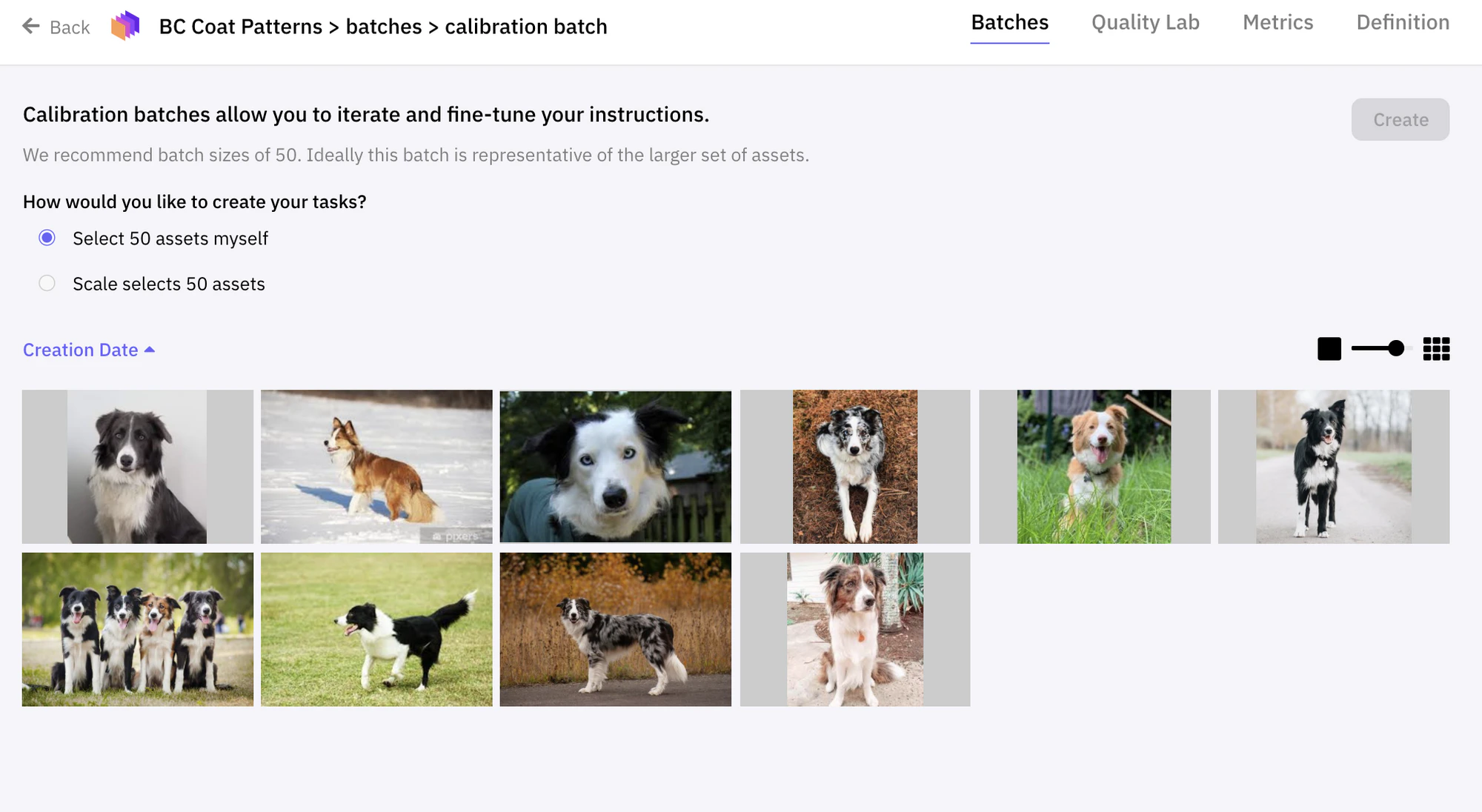
Creating a Calibration batch
You can create a Calibration Batch from theBatches page of your project.
Auditing a Calibration batch
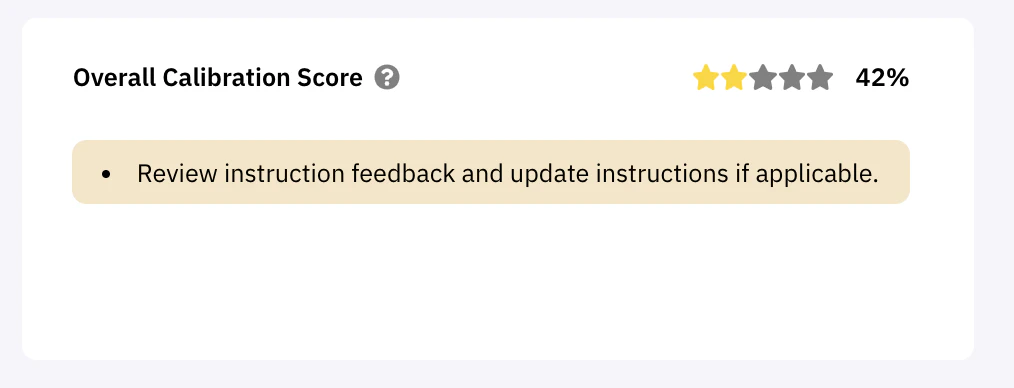
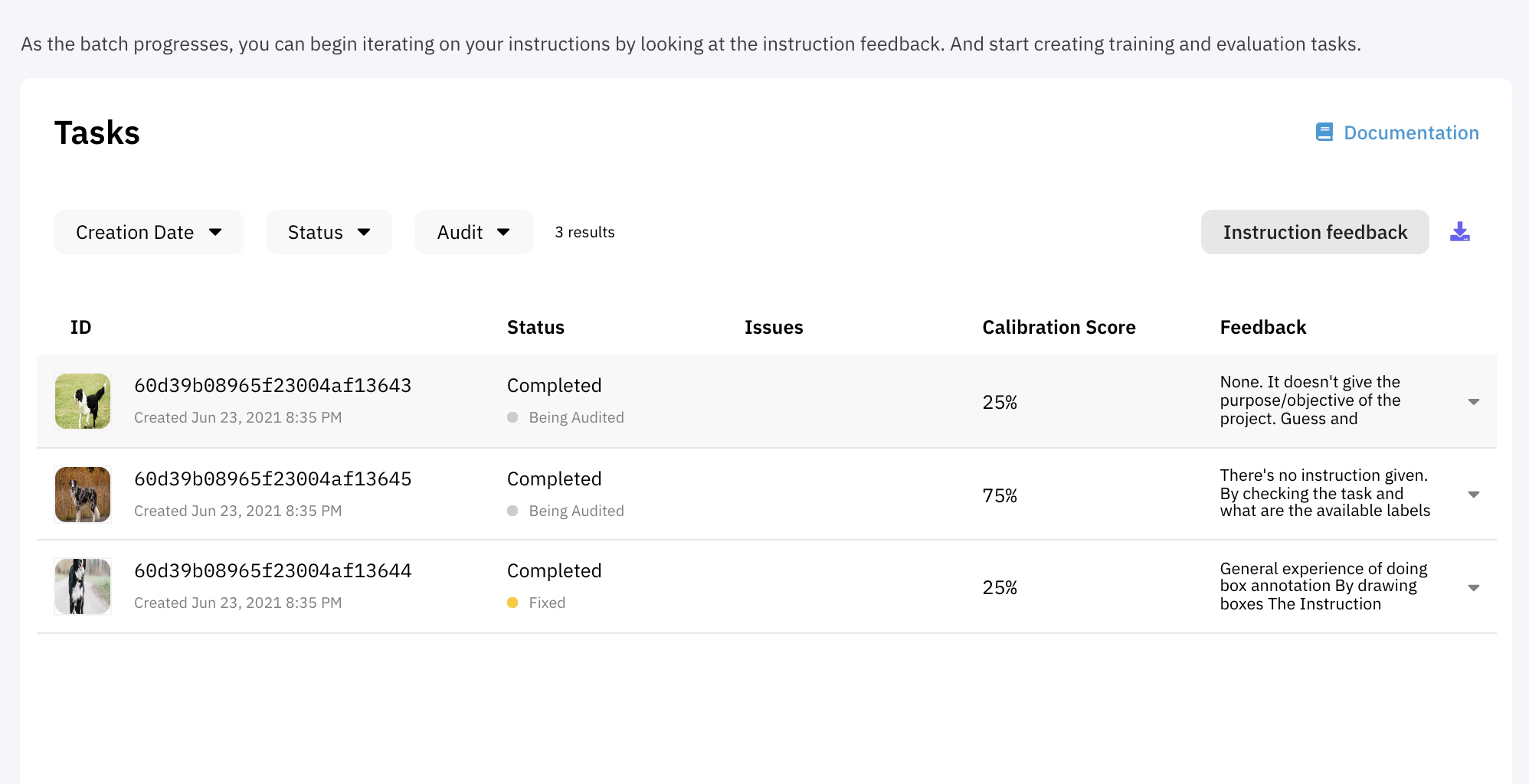
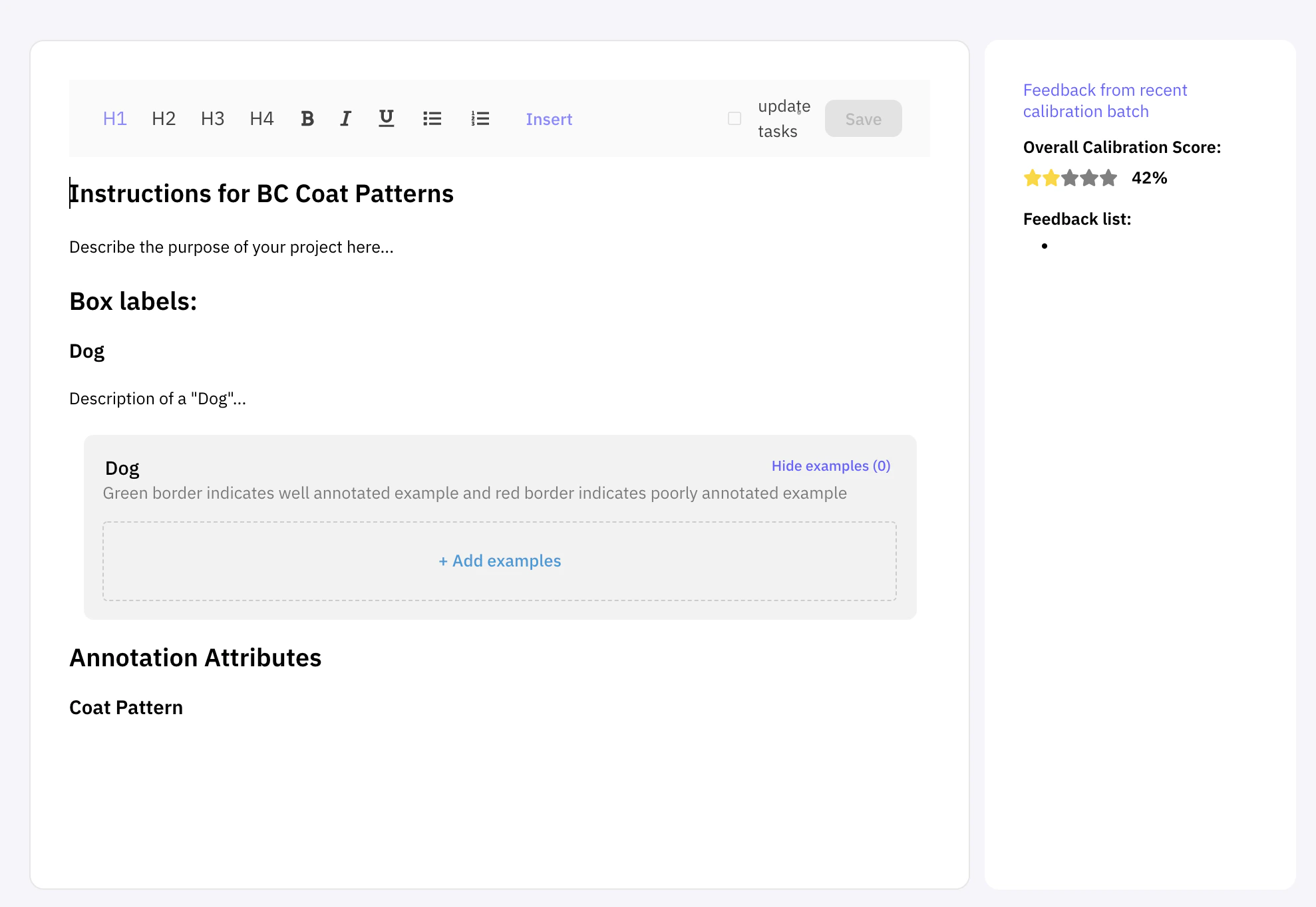
The second part of calibrating your project is to view the results. It is important to take the time to review instruction feedback as well as the actual labelling attempt. Instruction feedbackCalibration Batches provide the inputs you’ll need to refine your instructions. The higher the clarity of your instructions, the better each Tasker will be able to perform on your project. You can view this feedback in the Calibration Batch view under
Tasks.
Auditing the batch
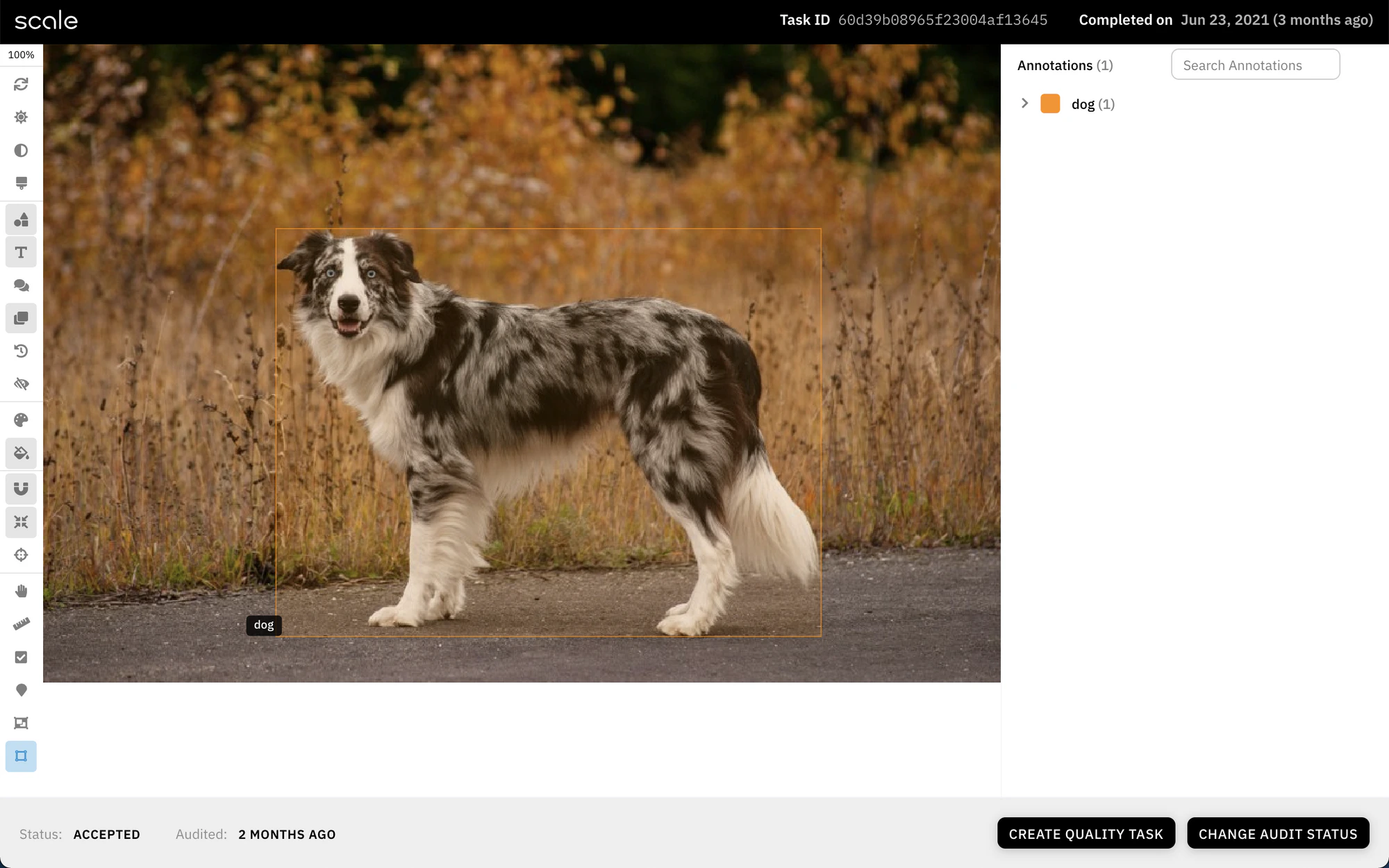
At the top of the Calibration Batch view you should be able to open the Audit Tool to go through the tasks and grade the attempt.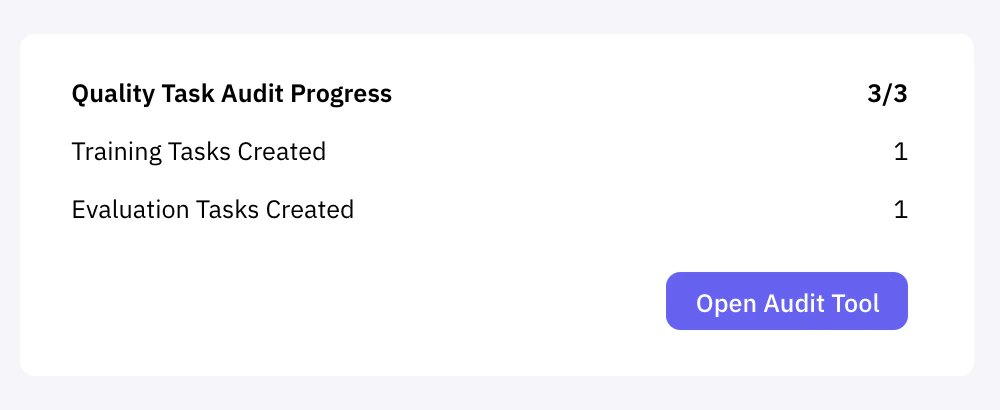
Open Audit Tool to launch the audit